Images Missing After a Database Restore? Re-Register Your Uploads
You rolled your site back to fix a problem, and the fix worked.


"I've spent a FULL DAY trying different plugins and methods to reconnect my Server Uploads to the Media Library after a migration. This plugin did it in Nearly NO Time At All!"
— David Scott Lynn, Web Developer
After a migration, database crash or site reset, your images are often still in /uploads - WordPress just forgot them. Media Library Recovery finds them and adds them back to your Media Library, in bulk.
Latest plugin version 1.5.4 was updated 3 weeks ago, fully compatible with WordPress 7.1.3
Works whenever your files are still on the server: after a migration or domain change, a database crash or reset, a failed import, a ransomware cleanup, or an emptied Media Library. It can't restore files that were deleted from the server itself.
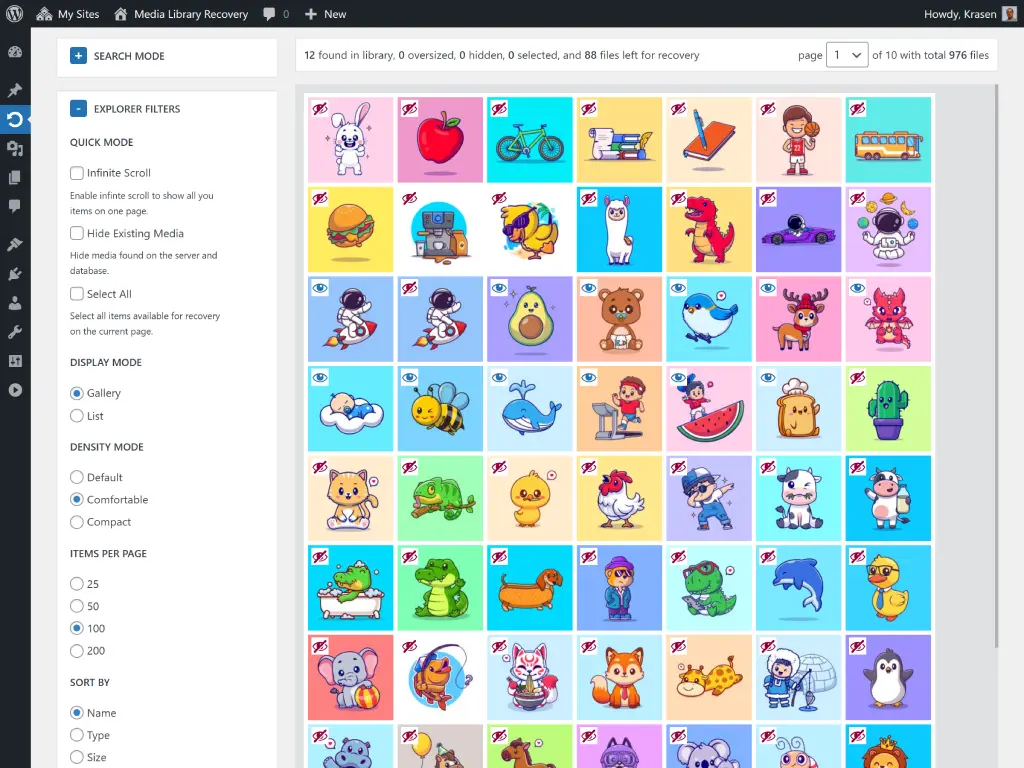
See every file in your uploads folder that isn't in the Media Library, with thumbnails and file details, before you recover anything. Explore the Media Explorer
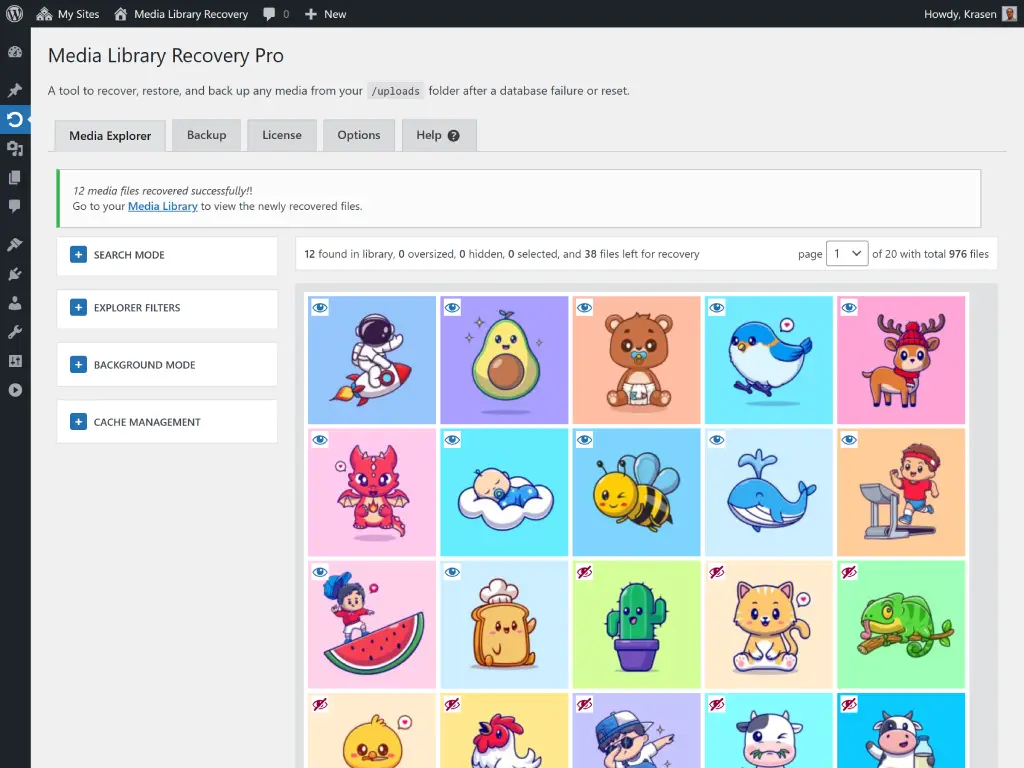
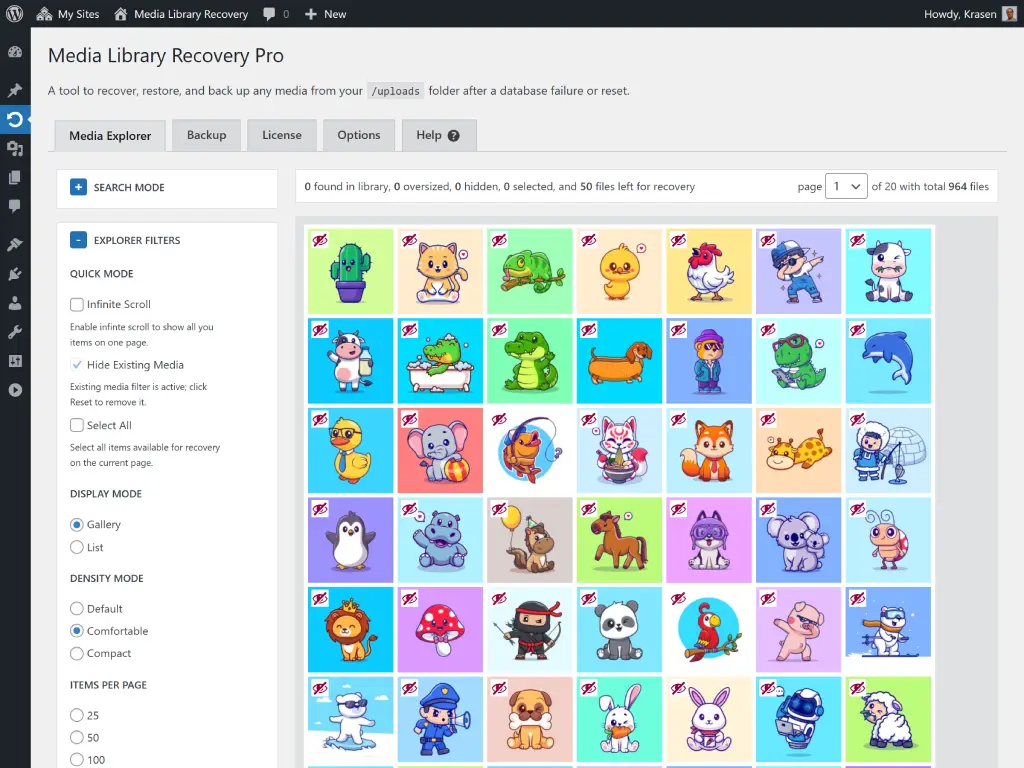
Files already in your Media Library are hidden automatically, so you only see and recover what's actually gone.
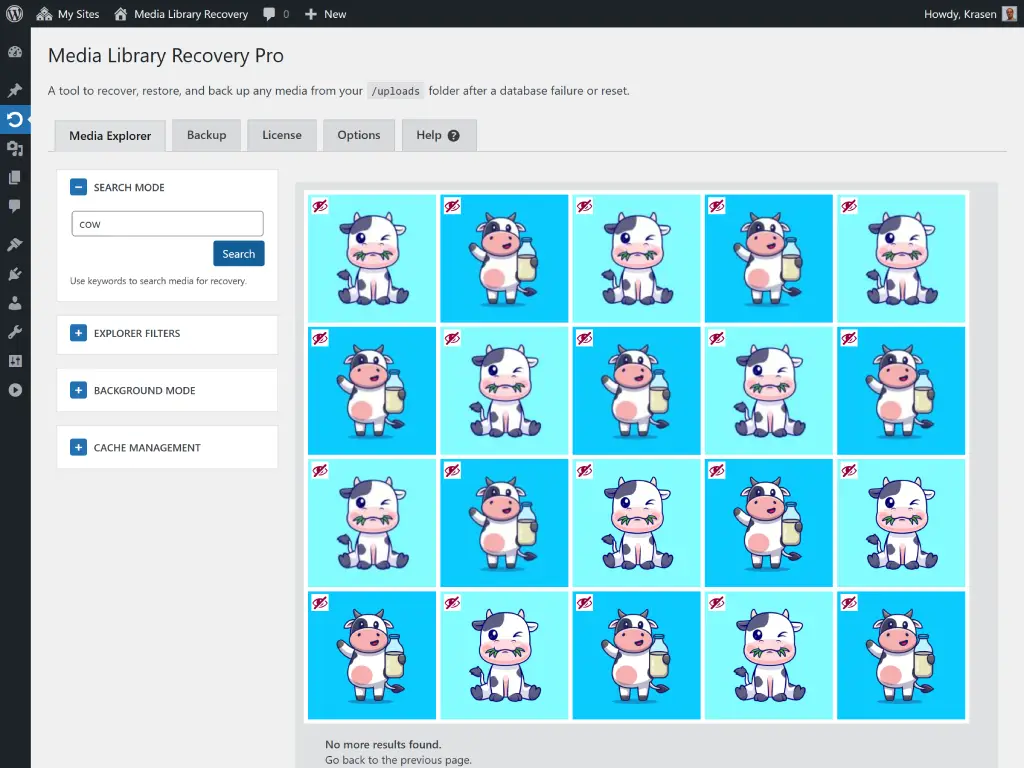
Find files by name, and filter by type, date, size and status. Search & Filter Guide
Select as many files as you need and add them back to the Media Library in one click.
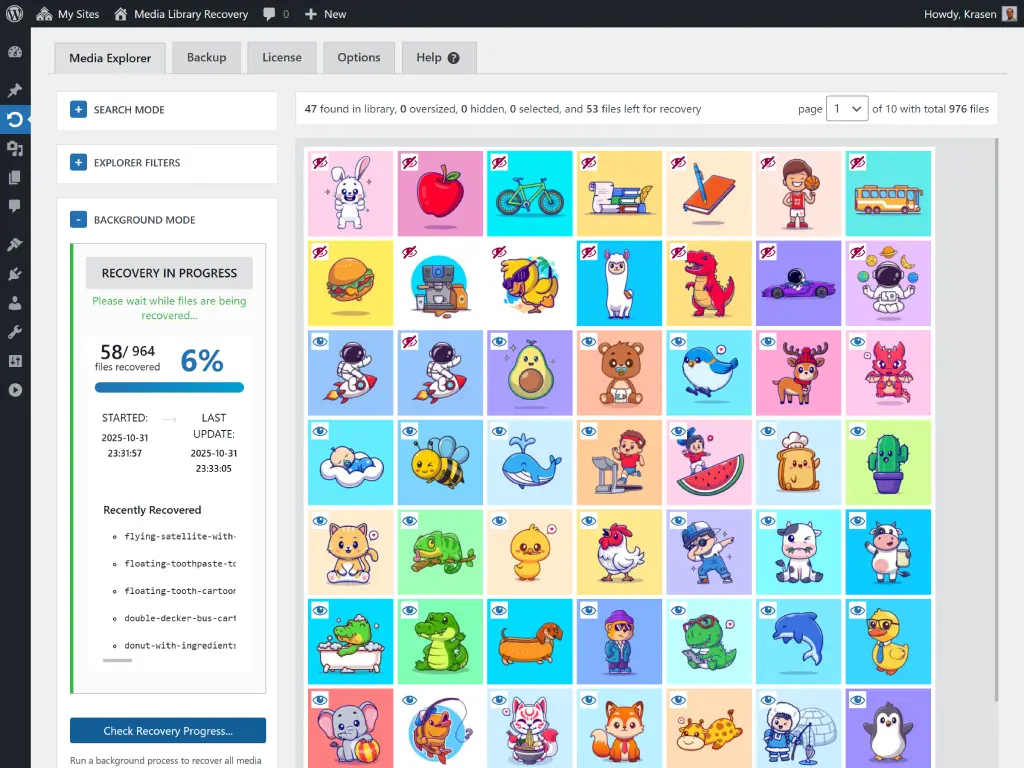
Recover thousands of files in the background while you keep working, with live progress and a report when it's done.
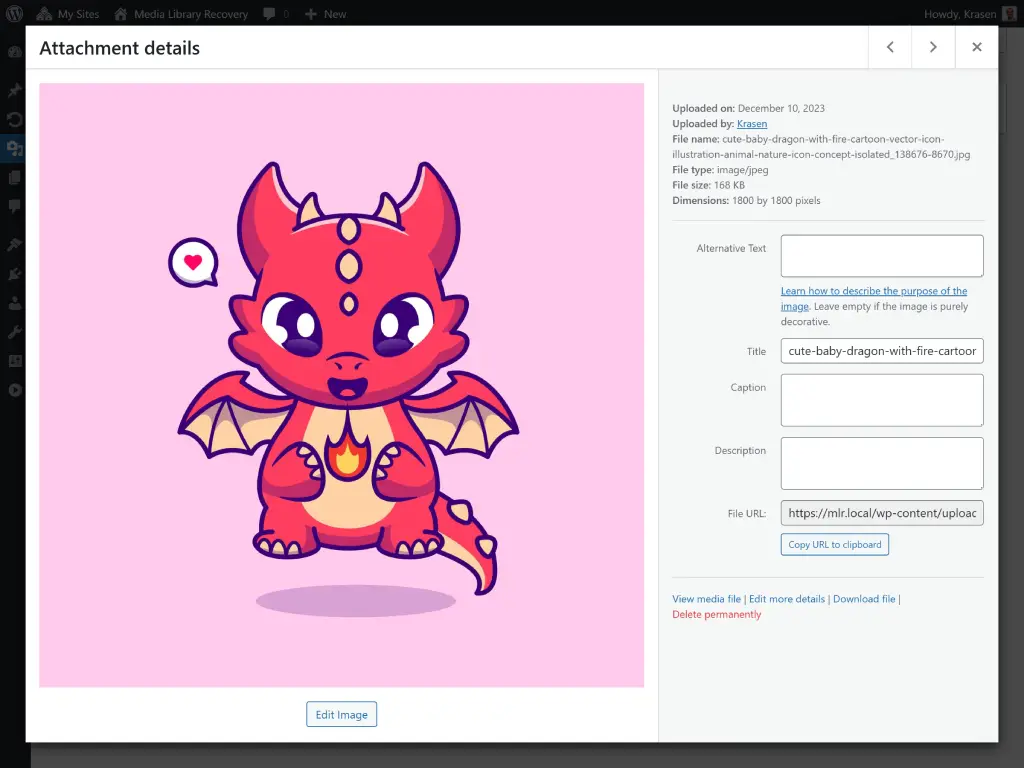
Each file becomes a real Media Library item: title from the file name, dimensions, generated thumbnail sizes and image data.
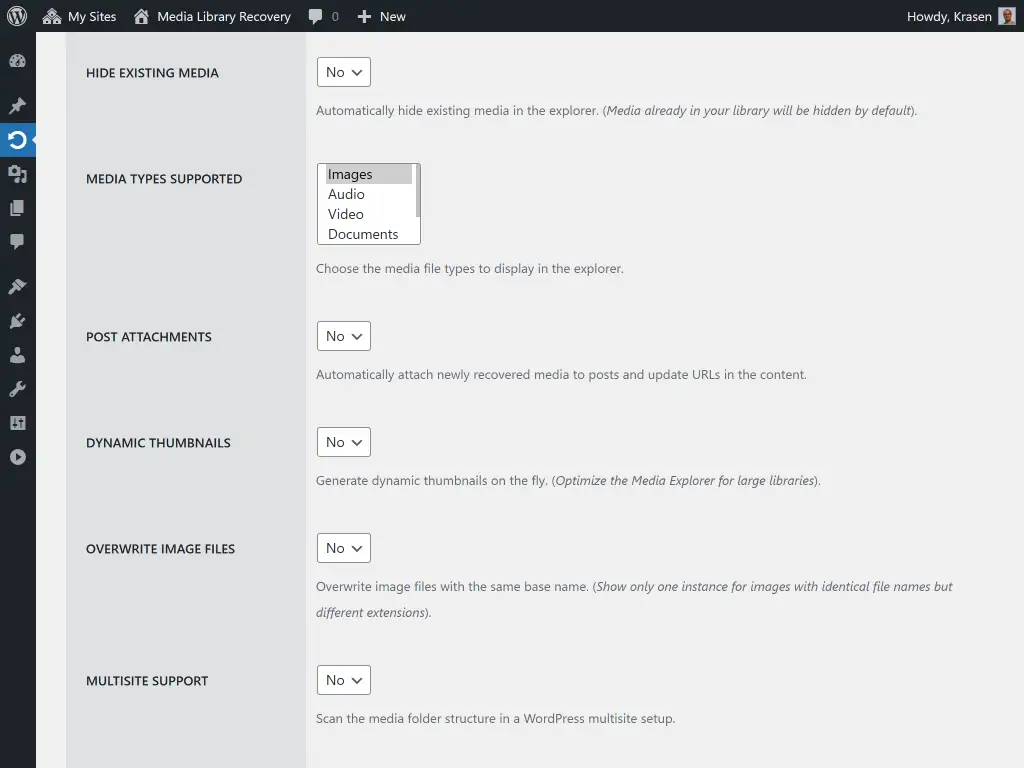
Optionally attach recovered media to the posts that use them and update image URLs in your content.
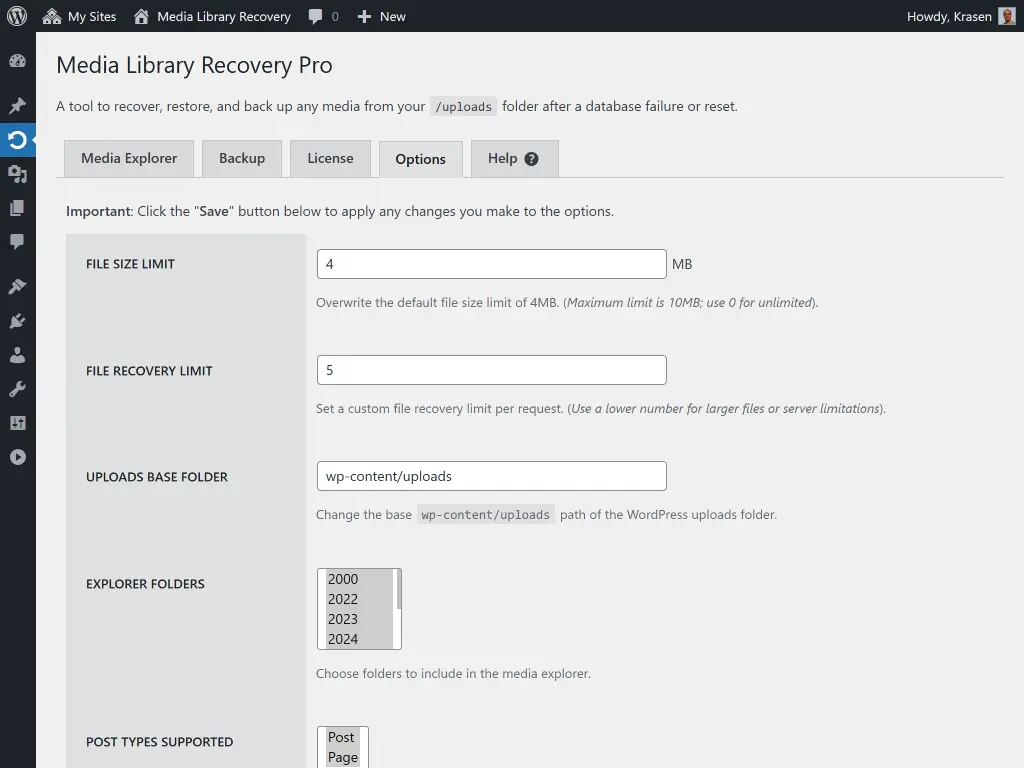
Images, video, audio, PDFs and other files, from the default uploads folder or a custom one. Multisite supported. See All Options
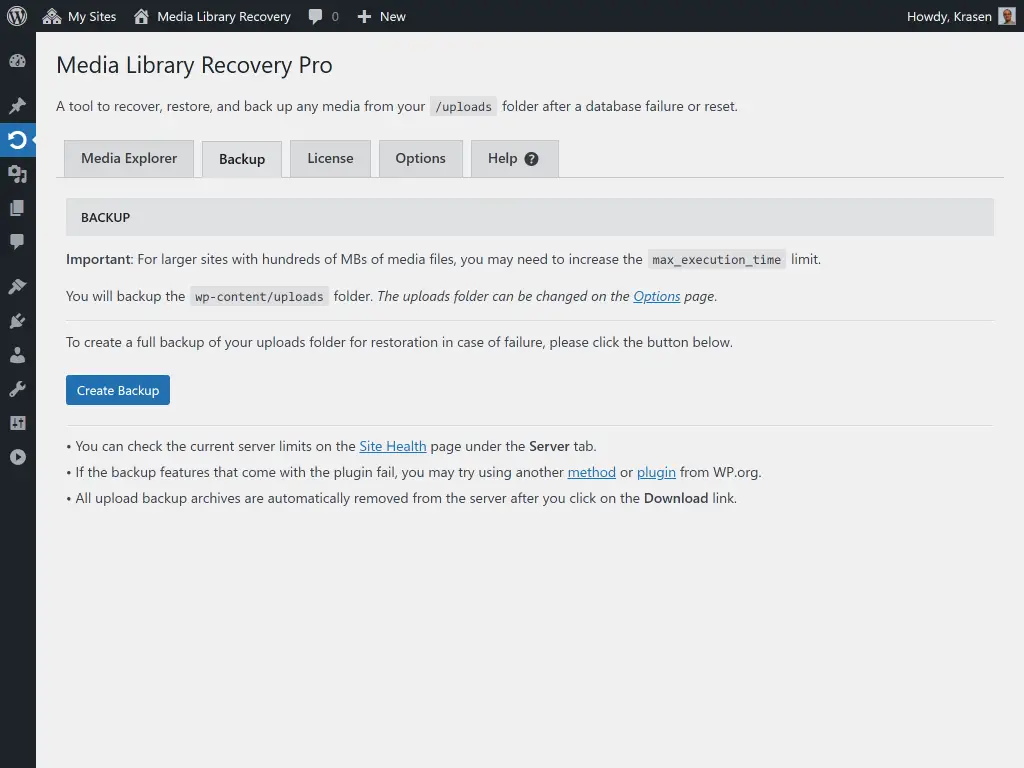
Download a ZIP backup of your uploads folder before you make changes (up to 500 MB and 10,000 files). How Backups Work
From reviews of the free and Pro versions.
"Had to move 3 websites, the WordPress Export from the media did leave the new library empty although the uploads folder was in place. This plugin made it possible to repair that."

"When my WordPress database vanished, I had to start over with a new install. The uploads folder was still there, but no longer recognized in the new, empty Media Library. This plugin allowed me to easily recover all of the photos."

"I reset a new site with 90 images. This app recovered them in 3 minutes, saving me all the uploading. Perfect!"

"A corrupted database had my product pictures half gone. I ran this program and it works. Satisfied."

"I've just transferred from old WP to a different domain name, and it recovered all the files that were already in the folder but not showing in the library. Thanks!"

"Stress reliever. Many thanks. Worked well after a monumental mistake!"

What is the difference between the Free and Pro plugins?
| Feature | Free | Pro |
|---|---|---|
| Find missing media in your uploads folder | ✓ | ✓ |
| Files per recovery | Up to 10 at a time | Unlimited |
| Background mode for thousands of files | ✗ | ✓ |
| Media types | Images | All file types |
| Upload folders | Default uploads folder | Any folder, plus Multisite |
| Search & filters | ✗ | ✓ |
| Reconnect images to posts | ✗ | ✓ |
| ZIP backup of your uploads | ✗ | ✓ |
| Support | Help center | Priority email |
A quick comparison table highlighting the difference between the Free and Pro versions of our plugin.
Every license includes all Pro features, a year of updates and priority email support, and our 14-day refund policy. Choose yearly, or pay once with a lifetime license.
For freelancers and small agencies
Add to Cart Add to CartFor your own website
Add to Cart Add to CartFor agencies and large networks
Add to Cart Add to CartOnly a few files missing? The free version recovers up to 10 at a time - try it first.
Try Free VersionFeel free to send us a message if you have any additional questions about our plugin.
Read the latest content from our blog.
 Media Library Recovery
You rolled your site back to fix a problem, and the fix worked.
 Media Library Recovery
You uploaded files by FTP, restored a backup, or moved images between folders, and the Media Library still looks the same.
 Media Library Recovery
You open your site after a move, and half the pictures are gone.